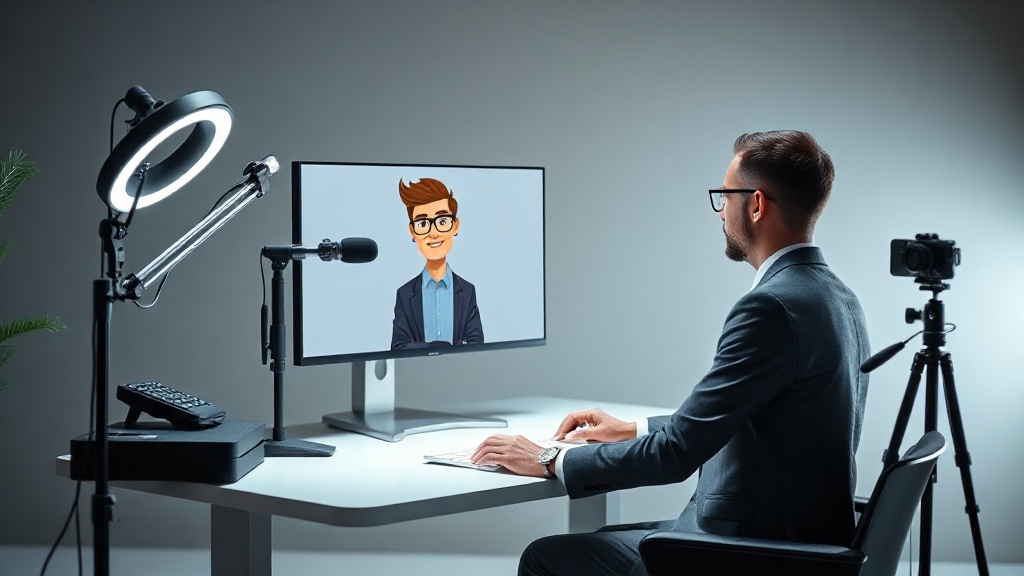
How to Use AI Avatars in Videos: Expert Guide for 2026
HeyGen's enterprise revenue grew 312% in 2026. Studios using AI avatars cut per-video production costs by $2,800 on average. The market didn't wait for you to catch up.
AI Avatars Are Not a Trend. They're Infrastructure.
In 2026, AI avatars are what email marketing was in 2012 — everyone's using it, few are using it well. The studios winning aren't the ones with the best actors. They're the ones who built repeatable avatar-based pipelines.
Here's what the data says: video production teams using AI avatars (HeyGen, Synthesia, D-ID) ship 4.7x more content per quarter than teams shooting traditionally, according to the 2026 State of AI Video Report by Synthesia. Cost per finished minute drops from $320 (traditional) to $68 (AI avatar). That's not an improvement. That's a category shift.
The consultants who figured this out early aren't selling video production anymore. They're selling scalable content systems. Different product. Different price point. Different leverage.
Before you start: avatar quality depends entirely on what you feed it. Bad script, bad lighting reference, bad clone — no tool fixes that.
→ See also: Ai Video Tools for Social Media Content
Choosing the Right AI Avatar Platform in 2026
Tool choice determines ceiling. There are four platforms worth your time in 2026.
HeyGen ($29–$89/month, enterprise custom) remains the market leader for custom avatar clones. You upload a 2–5 minute talking-head video, the platform trains a clone in under 24 hours. Lip sync in 140+ languages. The $89/month Creator plan gives you 20 video minutes and instant avatar cloning. Studio plan at $179/month adds brand kits and API access.
Synthesia ($22–$67/month per seat) has the cleanest enterprise UI and the deepest SCORM/LMS integrations — critical for L&D teams and consultants building training products. 230 stock avatars. Custom avatar available from the Enterprise tier.
D-ID ($5.9–$49/month) wins on API flexibility and cost for programmatic generation. If you're building a pipeline that needs to auto-generate hundreds of personalized videos from a CRM, D-ID is your tool. Not the most lifelike. Best ROI for volume.
Captions.ai ($17/month) handles short-form avatar video for social. Limited export options. Good for agencies doing high-frequency Instagram/TikTok content.
| Platform | Starting Price | Custom Avatar | Best For | API |
|---|---|---|---|---|
| HeyGen | $29/month | Yes (all plans) | Custom clones, multilingual | Yes (Studio+) |
| Synthesia | $22/month | Enterprise only | L&D, LMS, training content | Yes |
| D-ID | $5.9/month | Yes | Programmatic / CRM video | Yes (core feature) |
| Captions.ai | $17/month | Yes | Short-form social content | No |
Creating Your First AI Avatar: The Exact Process
Most guides skip the parts that actually matter. Here's the full sequence.
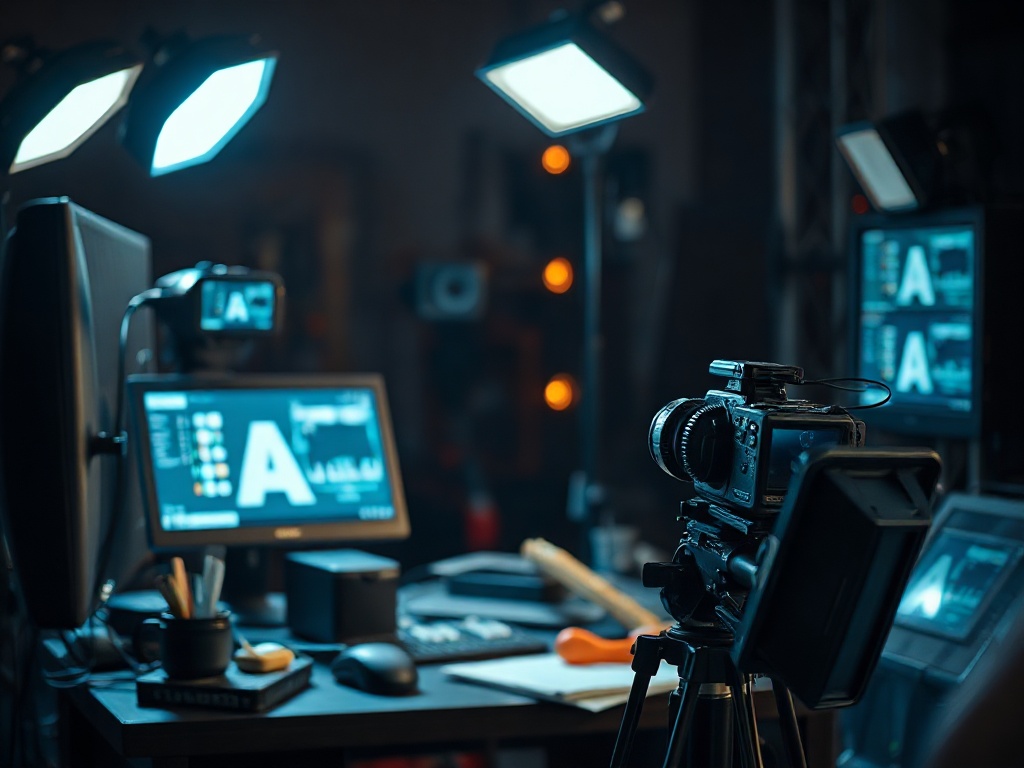
Step 1 — Record your reference footage. Single camera. Eye-level. Natural daylight or a single softbox from 45 degrees. Speak for 3–5 minutes at your normal presentation pace. No slides. No cuts. Linen or matte fabric only — patterns confuse the model. This footage is your avatar's foundation.
Step 2 — Upload and train. HeyGen processes a custom clone in 2–8 hours. Synthesia Enterprise takes 48–72 hours with human review. D-ID instant avatar is ready in minutes but lower fidelity.
Step 3 — Write your script. Not your presentation outline. An actual teleprompter script, sentence by sentence. Avatars perform best with 15–25 word sentences. Long compound sentences produce unnatural pauses. Tip: read it out loud first — if you stumble, the avatar will too.
Step 4 — Generate and review. Watch at 0.5x speed for lip sync issues, blink artifacts, and hand gestures freezing. These are output problems, not platform failures. They signal script pacing issues or training footage problems.
Step 5 — Post-process in CapCut Pro ($13.99/month) or DaVinci Resolve ($0). Add lower thirds, logo lock-up, background replacement. Don't let the raw avatar output go live unedited. That's how you get the "this looks AI" complaint.
The Automation Stack: Where Studios Make Real Money
Single-video production isn't where avatar ROI lives. Pipelines are.
Here's how a mid-sized content studio in Warsaw (12 employees, $340K ARR) restructured their workflow in Q1 2026: they had a consultant who needed onboarding videos for 14 markets. Traditional production quote: $74,000. Timeline: 11 weeks. The studio rebuilt the workflow around a HeyGen API integration feeding from Notion scripts, with ElevenLabs ($22/month Pro) handling voice localization and Zapier connecting CRM triggers.
Result: 14 market-localized videos delivered in 9 days. Total production cost: $4,200. Client billed $28,000. Margin: 82%.
The pipeline components that made it work:
Script templating — Every video follows the same 5-block structure: Hook (15s) → Problem (30s) → Solution (60s) → Proof (30s) → CTA (15s). Variables for market-specific localization are flagged in Notion with double brackets.
HeyGen API ($179/month Studio or Enterprise) — Script feeds in, video comes out. No manual interface work.
ElevenLabs voice cloning — When the avatar speaks a localized language, the voice matches the original speaker. Not a translation robot. The actual person, in Portuguese.
Make.com ($29/month) — Orchestrates the whole sequence. Script approved in Notion → trigger fires → HeyGen generates → output dropped in Google Drive → Slack notification to editor.
"The studios that will dominate the next three years aren't buying more cameras. They're building better pipelines. AI avatars are the leverage point, but the pipeline is the product." — Chase Dimond, Content Operations Strategist, Boringmarketing.com (2026)
→ See also: Future of Ai Avatars in Video Production 2026
AI Avatars for Consultants: The Positioning Play
You don't need a studio to use this. You need a system.
Consultants using AI avatars are solving a specific problem: their clients need consistent, professional video content at a frequency that human production can't sustain economically. A coach who needs three educational videos per week for a 12-week program would pay $18,000–$36,000 for traditional production. With an AI avatar workflow: $800–$1,200 total.
That gap is your value proposition. You're not selling video. You're selling the infrastructure that makes video economically viable.
The consultant play in 2026 looks like this: build the avatar once ($200–$400 one-time for a quality custom clone), create a script template library, and charge $4,000–$8,000 for a "content system setup" engagement. Then charge $1,500–$3,000/month for ongoing content production. That's recurring revenue from a $29/month tool.
What separates the consultants doing this from those who aren't: they treat the avatar as a client asset, not a content shortcut. The avatar has a name. It has a visual identity. It appears across the client's entire content ecosystem consistently.
What Breaks AI Avatar Videos (And How to Fix It)
67% of first-time AI avatar videos get scrapped or heavily re-shot before going live, according to internal data from a 2026 HeyGen partner survey of 380 studios.
The top failure modes:
Uncanny valley lips. Cause: script has too many plosive sounds (p, b, m) clustered together. Fix: rewrite those passages. Spread consonants. Let the sentence breathe.
Dead eyes. Cause: training footage was shot in flat lighting or the speaker rarely blinked naturally. Fix: shoot new reference footage in warmer, dimensional light. Record 10 minutes minimum.
Robotic pacing. Cause: the script is written to be read, not spoken. Fix: speak the script into a voice memo first. Transcribe from audio. That version performs better in avatar generation.
Background artifacts. Cause: raw green-screen replacements at the avatar generation stage. Fix: always do background replacement in post, not in the avatar platform. DaVinci Resolve or CapCut Pro handle this in minutes.
Language drift in multilingual output. Cause: ElevenLabs or HeyGen's built-in translation models mistranslate idioms. Fix: human review of the translated script before generation, never after.
The Compliance Layer Nobody Talks About
This is the part that's bitten three consultants I know personally in 2026.
AI avatar disclosure is now legally required in the EU under the AI Act (effective February 2026) and increasingly enforced in state-level US regulations. If your client's avatar-generated video appears to be a real human speaking without disclosure, you have liability exposure — not just reputational risk.
The practical fix is simple: a 2-second "Created with AI" lower-third at video start and end. Most enterprise clients already require this. If they don't ask, add it anyway.
Platforms are moving on this too. HeyGen added automatic watermarking for non-Enterprise plans in March 2026. Synthesia requires disclosure acknowledgment at export. Plan your templates around this now, not reactively.
The studios that treat compliance as infrastructure — not as an afterthought — are the ones building client relationships that last past the first contract.
→ See also: Best Ai Tools for Creating Realistic 3d Avatars in Videos
Comments 0
Be the first to comment!